



Weaknesses & the 18 × 18 type chart
What every Pokémon is weak to and resists. Pick an attacking type on the left, and one or two defending types along the top.
Weaknesses, evolutions, spawns, moves and battle prep for every Pokémon, in one fast app that works offline and keeps itself up to date.
Free, for Windows, Linux, Mac and phones. Pick yours.

Download it once: it fetches Pokédex 7.0.1 and gets everything ready, then it's where you press Play.
The launcher isn't signed yet (a code-signing certificate costs hundreds a year), so the first time Windows may say “Windows protected your PC”. It's safe: click More infothenRun anyway. You'll only see that once.
Rather not install anything?Get the portable .zip (145 MB)
Arch (CachyOS, Manjaro, EndeavourOS) or Debian (Ubuntu, Mint, Pop!_OS)
Paste this into a terminal: it installs the right package, adds Pokédex to your app menu, and it updates itself after.
curl -fsSL https://pokedex.noxcustos.org/install.sh | bashmacOS 11 (Big Sur) or newer, on Apple silicon or Intel
Open Terminal and paste this. The first time, macOS asks to install Apple's free developer tools: click Install, then paste it again. It builds the app on your Mac, puts it in Applications, and it updates itself after.
curl -fsSL https://pokedex.noxcustos.org/install-mac.sh | bashAdd the web version to your Home Screen and it gets its own icon, and opens like an app.
Use Chrome for this: Samsung Internet's installer gets blocked by Google Play Protect.
App version 7.1.0 · new things being tested before everyone gets them
Betas can have a few rough edges, and you can switch back any time.
pokedex-beta package, Arch or
Debian) and offers to remove the normal one, keeping your settings, favourites and caught Pokémon. Paste into a terminal:
curl -fsSL https://pokedex.noxcustos.org/install.sh | bash -s -- --betacurl -fsSL https://pokedex.noxcustos.org/install-mac-beta.sh | bash -s -- --betaThe beta website at pokedex.noxcustos.org/beta runs the newest Pokédex (version 7.1.0) before everyone else gets it, with nothing to install. You're welcome to open it, but you'll need tester credentials to get in: a username and password from the person who runs the Pokédex. Logins are handed out by invite only, and there's no sign-up.
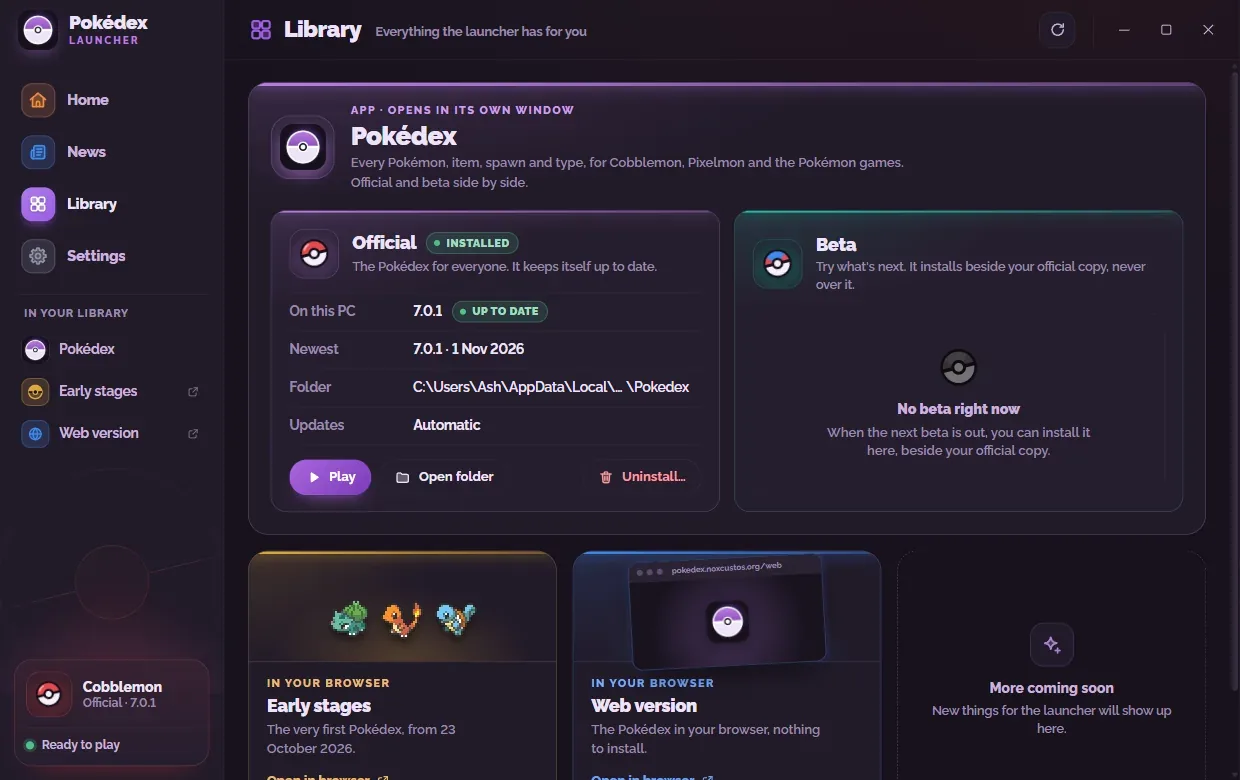
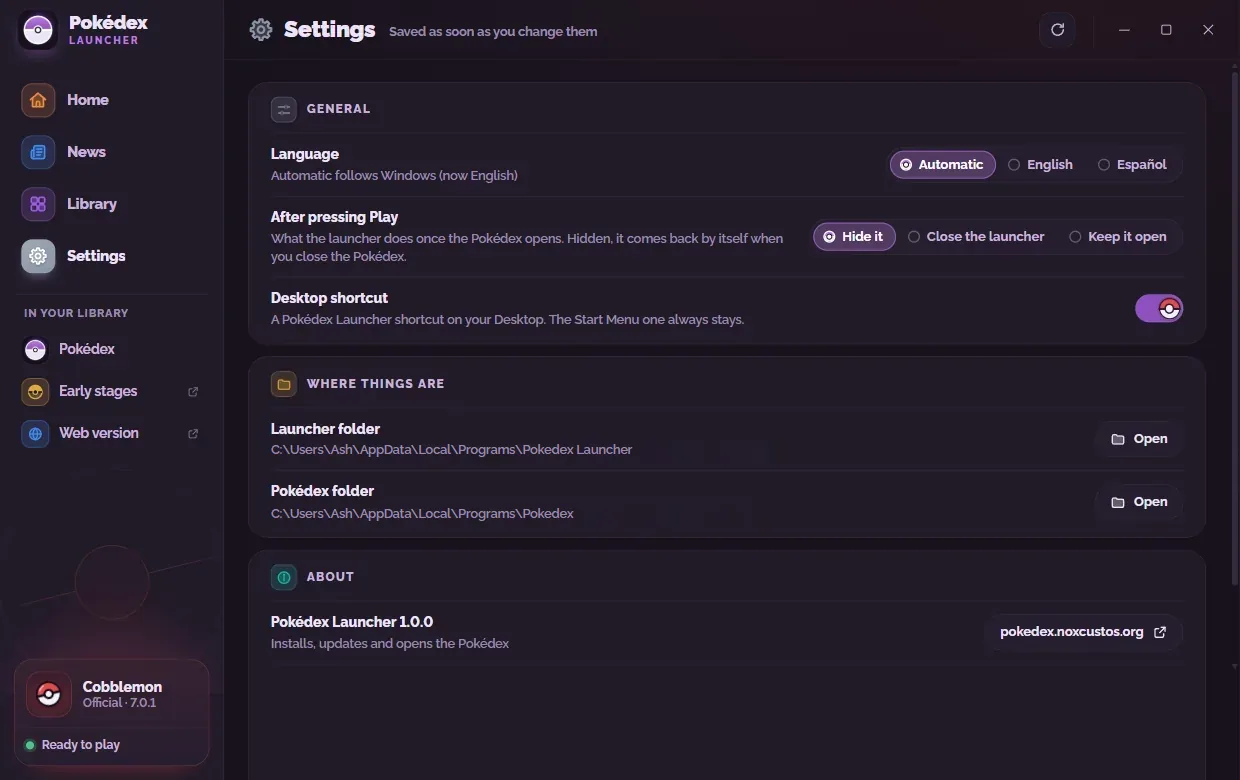
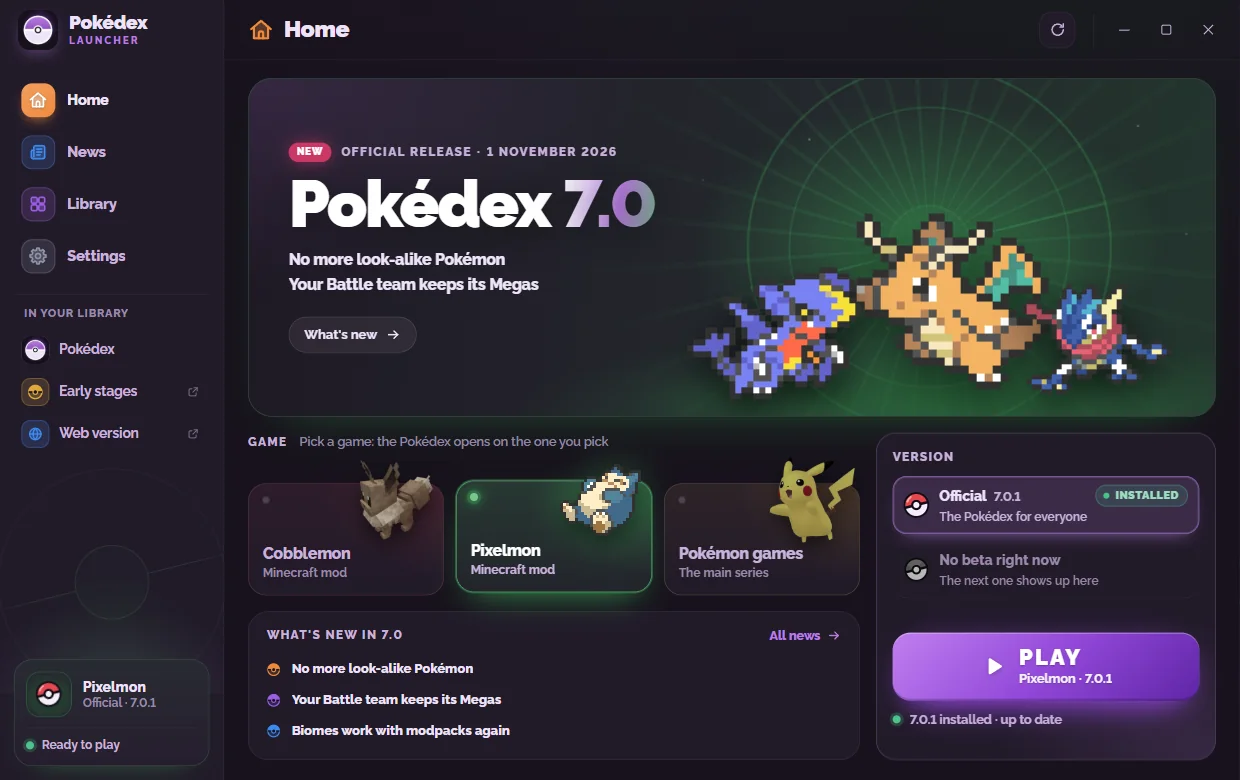
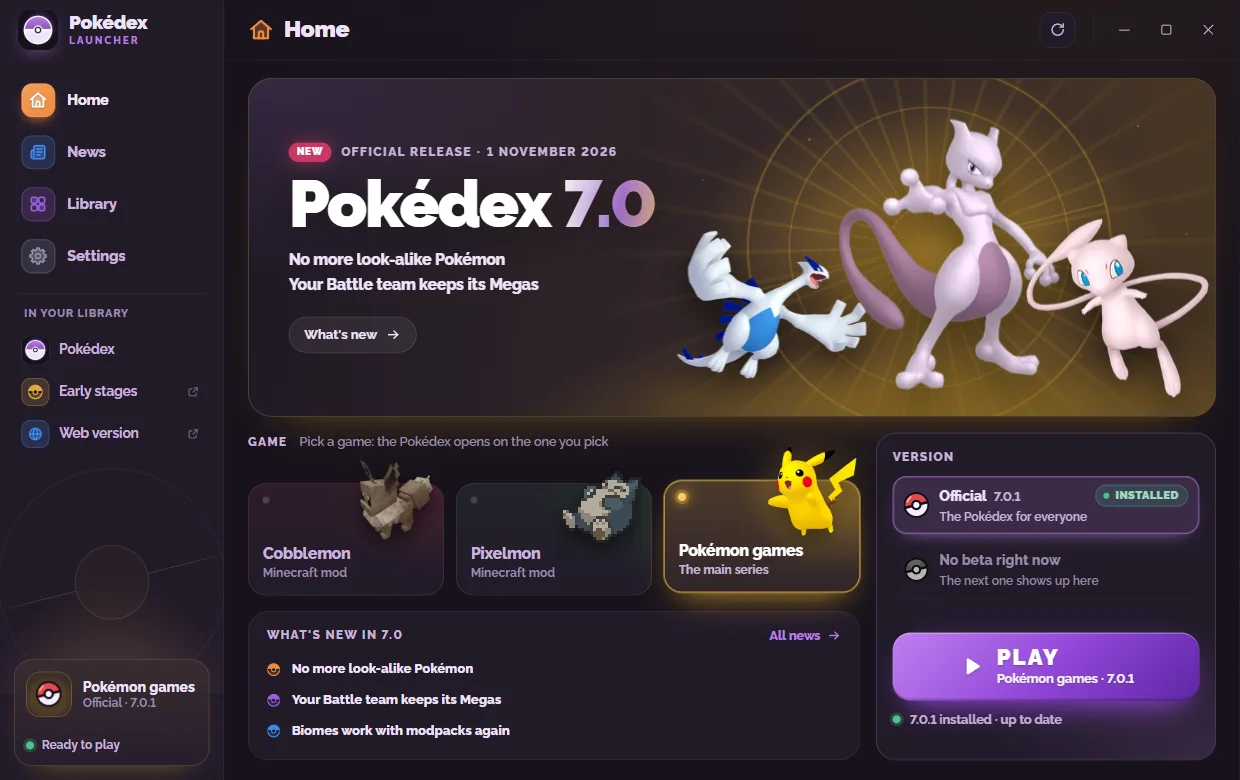
PokedexLauncher.exe is the new way to get the Pokédex on Windows. It's tiny (1.5 MB), and the Pokédex itself comes down the first time you open it.
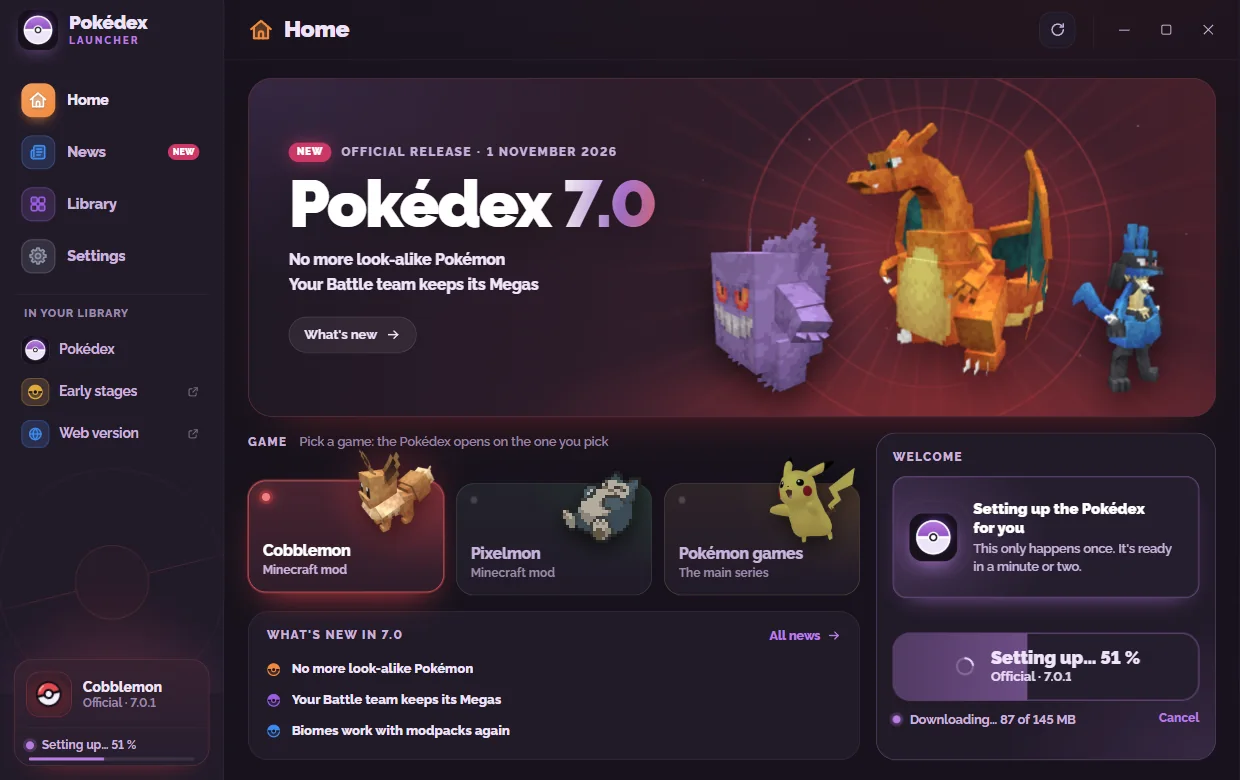
01 / 06First runThe very first time you open it: one bar while the Pokédex installs (about 145 MB, just once).
For Cobblemon, Pixelmon and the main-series games. Try a few of these: they work.
What every Pokémon is weak to and resists. Pick an attacking type on the left, and one or two defending types along the top.
Shiny colours for every Pokémon, a caught tracker, favourites, 25 Pokédex styles and colour themes.

Switch games and everything follows: spawns, evolutions and moves by that game's rules.

Whole evolution lines with exactly how to evolve each one, using that game's rules.


Spawns by biome, time and weather, or ask “what spawns here?” for any biome.
Team builder with coverage tips, side-by-side compare, stat calculator and natures.


Find any move or ability and every Pokémon that learns or has it.
Once it's set up it needs no internet, and it speaks two languages.
No connection? Everything still opens.
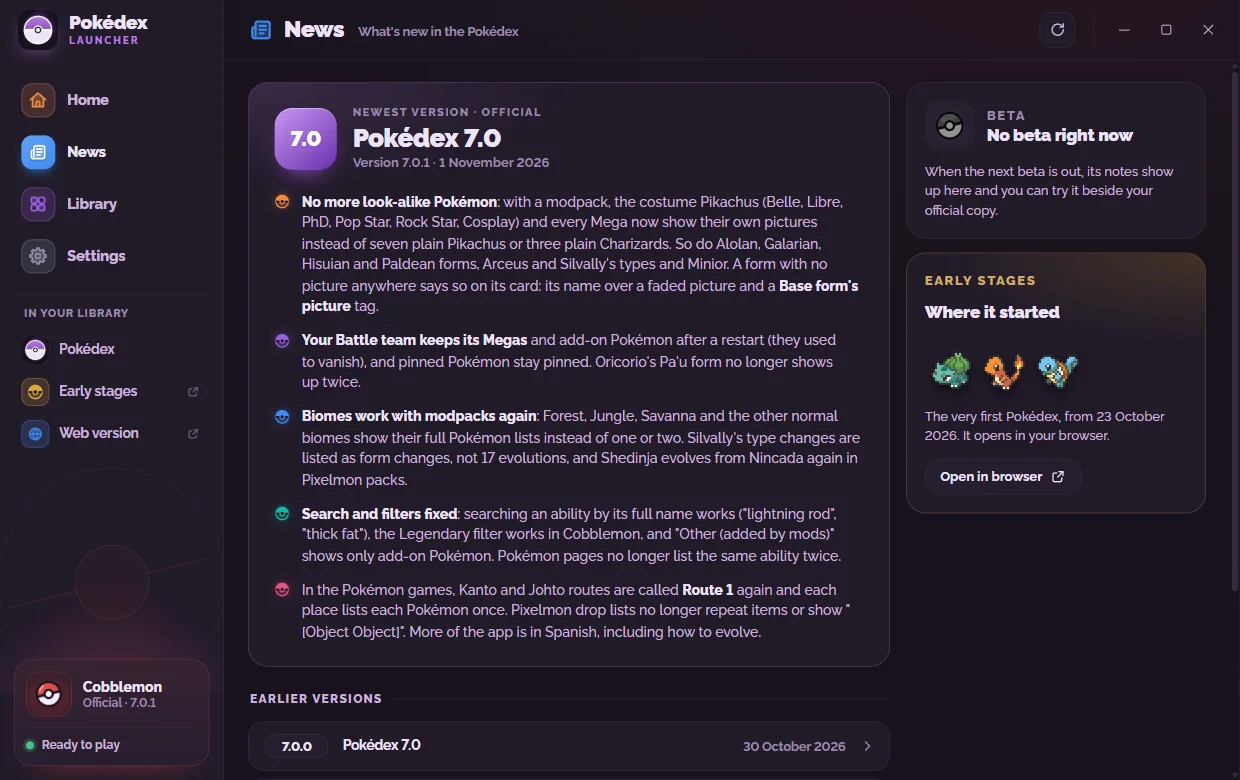
No more look-alike Pokémon: with a modpack, the costume Pikachus (Belle, Libre, PhD, Pop Star, Rock Star, Cosplay) and every Mega now show their own pictures instead of seven plain Pikachus or three plain Charizards. So do Alolan, Galarian, Hisuian and Paldean forms, Arceus and Silvally's types and Minior. A form with no picture anywhere says so on its card: its name over a faded picture and a Base form's picture tag.
Your Battle team keeps its Megas and add-on Pokémon after a restart (they used to vanish), and pinned Pokémon stay pinned. Oricorio's Pa'u form no longer shows up twice.
Biomes work with modpacks again: Forest, Jungle, Savanna and the other normal biomes show their full Pokémon lists instead of one or two. Silvally's type changes are listed as form changes, not 17 evolutions, and Shedinja evolves from Nincada again in Pixelmon packs.
Search and filters fixed: searching an ability by its full name works ("lightning rod", "thick fat"), the Legendary filter works in Cobblemon, and "Other (added by mods)" shows only add-on Pokémon. Pokémon pages no longer list the same ability twice.
In the Pokémon games, Kanto and Johto routes are called Route 1 again and each place lists each Pokémon once. Pixelmon drop lists no longer repeat items or show "[Object Object]". More of the app is in Spanish, including how to evolve.
Six layouts to pick from, in Settings → Look → Layout. Nova is the Pokédex as it has always been. Nova Core is the same shape done properly: deeper glass, a soft nebula behind the page and Pokémon pages lit by their own types. Device puts the app in a moulded case with a glass lens and keys that press in. Field Guide turns it into a printed book: serif type, hairline rules and numbered chapters instead of boxes. Arcade is a game's own screen, with cut corners and neon edges. Quiet Pro makes everything small and dense so more fits on one screen.
A layout changes the shape of the Pokédex, never where anything is: the same sidebar, the same nine sections, the same buttons in the same places. Your Pokédex style still picks the colours on top, so Field Guide in Hoenn Emerald or Arcade in Magma all work.
Three of them bring a colour and a font that suit them — but only while you haven't picked your own. Choose an accent colour or a font and yours is kept in every layout.
The Pokédex Launcher can open it in any of them: Settings → Open the Pokédex in. Leave as it is keeps whichever layout the Pokédex already has.
Get it from the Beta tab under Download, or switch on Beta versions in your app (⚙ Settings → App updates).
Point at a number, or a step in the list, to find it in the picture.

What everyone gets. It updates itself.

Version 7.1.0: the new look being tested before everyone gets it.
Get it from the Beta tab above, or in your app: ⚙ Settings → App updates → switch on Beta versions, then ⬆ Update now. To leave it, switch it off and click ↩ Go back there: you're back on the normal version, with your settings and caught Pokémon.
The Pokédex began on the evening of 23 October 2026 as a Cobblemon Pokédex: one page listing every Cobblemon Pokémon, with filters for generation, type and what it's weak to, a type calculator, and a page for each Pokémon with its weaknesses, strengths and evolution line. Items, shinies, spawns, Pixelmon, the Pokémon games and everything else came after.
It still runs, kept just as it was, at pokedex.noxcustos.org/early: nothing to install, in any browser.